Start with the Zentools network and identify any person who can make a credible introduction.
When there is no warm path, write like a person who did the work.
Zentools gives you the verified contact and the evidence behind the match. These examples show how to turn that context into a concise message you review and send from your own Gmail account.
The direct path01Find the strongest path 02Use verified context 03Review before sending
Use direct outreach only when it is the better relationship choice.
A verified email is not permission to send generic automation. Keep the message personal, use only relevant evidence, and make the ask easy to decline.
Fromyour Gmail accountControlreview every message before send
When a direct message is appropriate, ground it in current evidence about the person and company.
Confirm the recipient, subject, and complete message before Gmail sends from your own account.
What good looks like
Four ingredients. No template jargon required.
The strongest message is usually short enough to understand in one pass.
A human opening
Use the person's name and begin with the specific reason you chose to reach out now.
One or two proof points
Reference only signals that are current, verifiable, and directly connected to your message.
Mutual relevance
Explain why the conversation could be useful for them—not only why you want it.
A low-pressure ask
End with one simple invitation to reply, compare notes, or see a short demonstration.
Examples
Different relationships need different messages.
Use the structure, not the exact wording. Every message should reflect the person and the evidence you actually have.
Founder-to-founder outreach
Lead with the reason this conversation is timely.
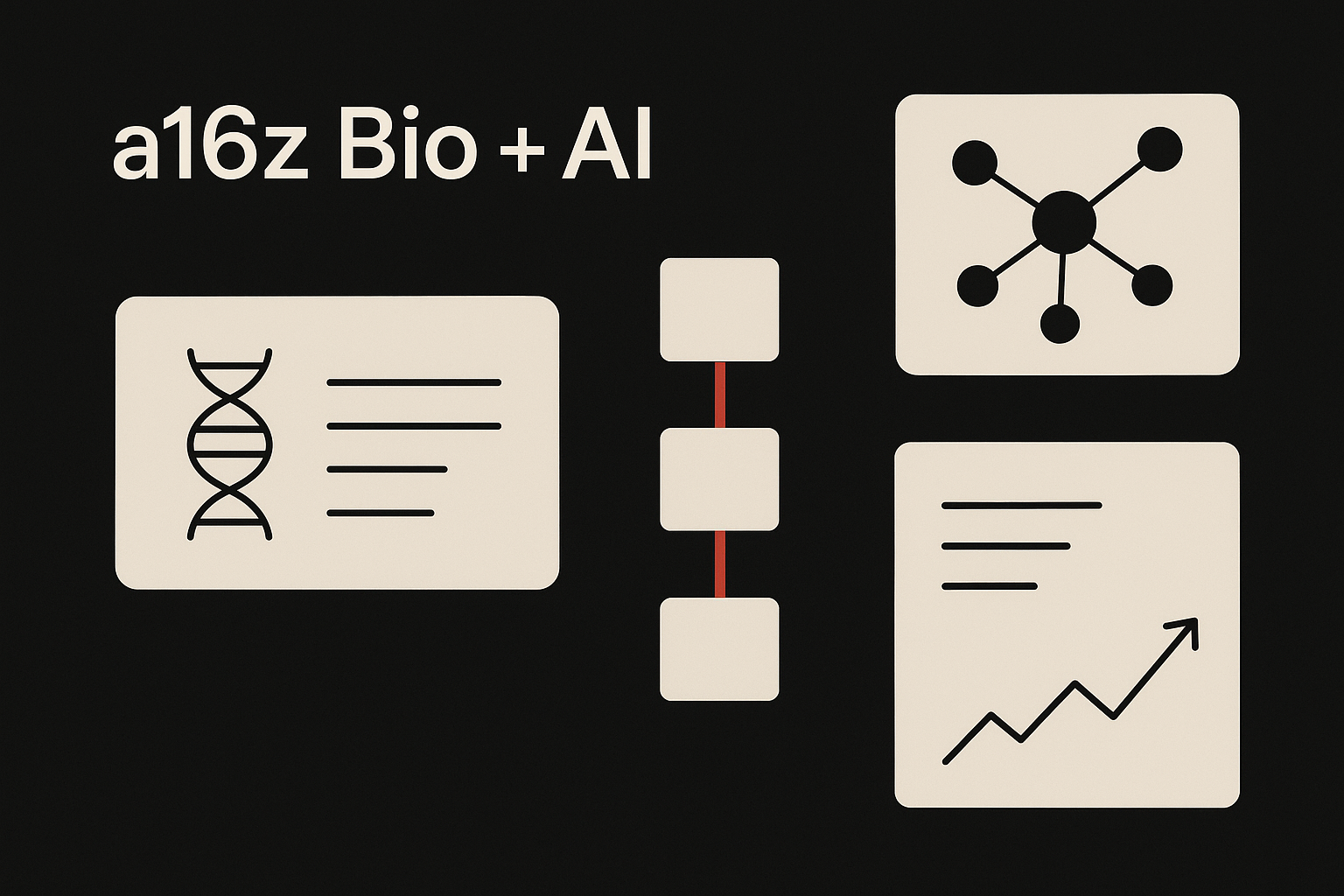
Lattice Bio
Biotech founders with recent funding or hiring signals
Turn verified company signals into a concise, credible note without pretending the relationship is warmer than it is.
Verified evidencePersonal voiceReviewed send
FromFounder at Zen AlphaToSara at Lattice Bio
Lattice BioPersonal outreach example
Binding data for your growing computational team
Saw that Lattice Bio is hiring two computational biology leaders after the seed round.
Your recent comments about binding-affinity data caught my attention. We are building directly around that bottleneck and may have useful data for your team.
- Recent seed financing
- Two relevant roles opened
- Public comments on binding data
— Sam
Partnership follow-up
Use concrete operating context instead of a generic pitch.
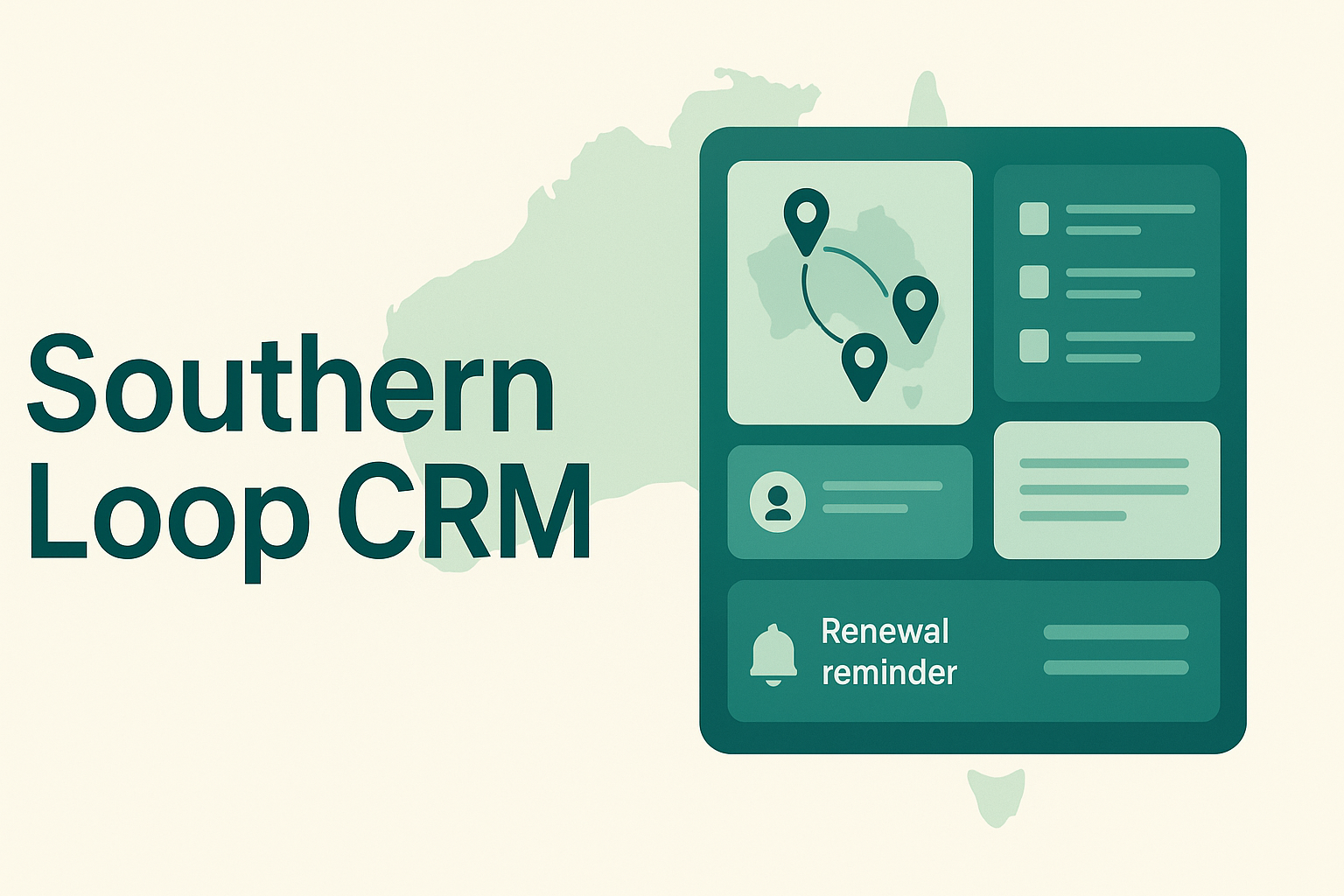
SouthernLoop CRM
Australian operators modernizing sales and service workflows
Show why the recipient matches, what changed recently, and the smallest useful next step.
Verified evidencePersonal voiceReviewed send
FromMia at SouthernLoopToAlex at Coastline Services
SouthernLoop CRMPersonal outreach example
A simpler follow-up workflow for Coastline
I noticed Coastline has expanded into two new regions and is hiring across customer operations.
SouthernLoop helps multi-site service teams route new inquiries, keep quotes moving, and prevent renewal follow-up from disappearing into spreadsheets.
- Two new service regions
- Customer-operations hiring
- Existing spreadsheet-heavy workflow
— Mia
Relationship update
Keep existing relationships informed with a crisp update.
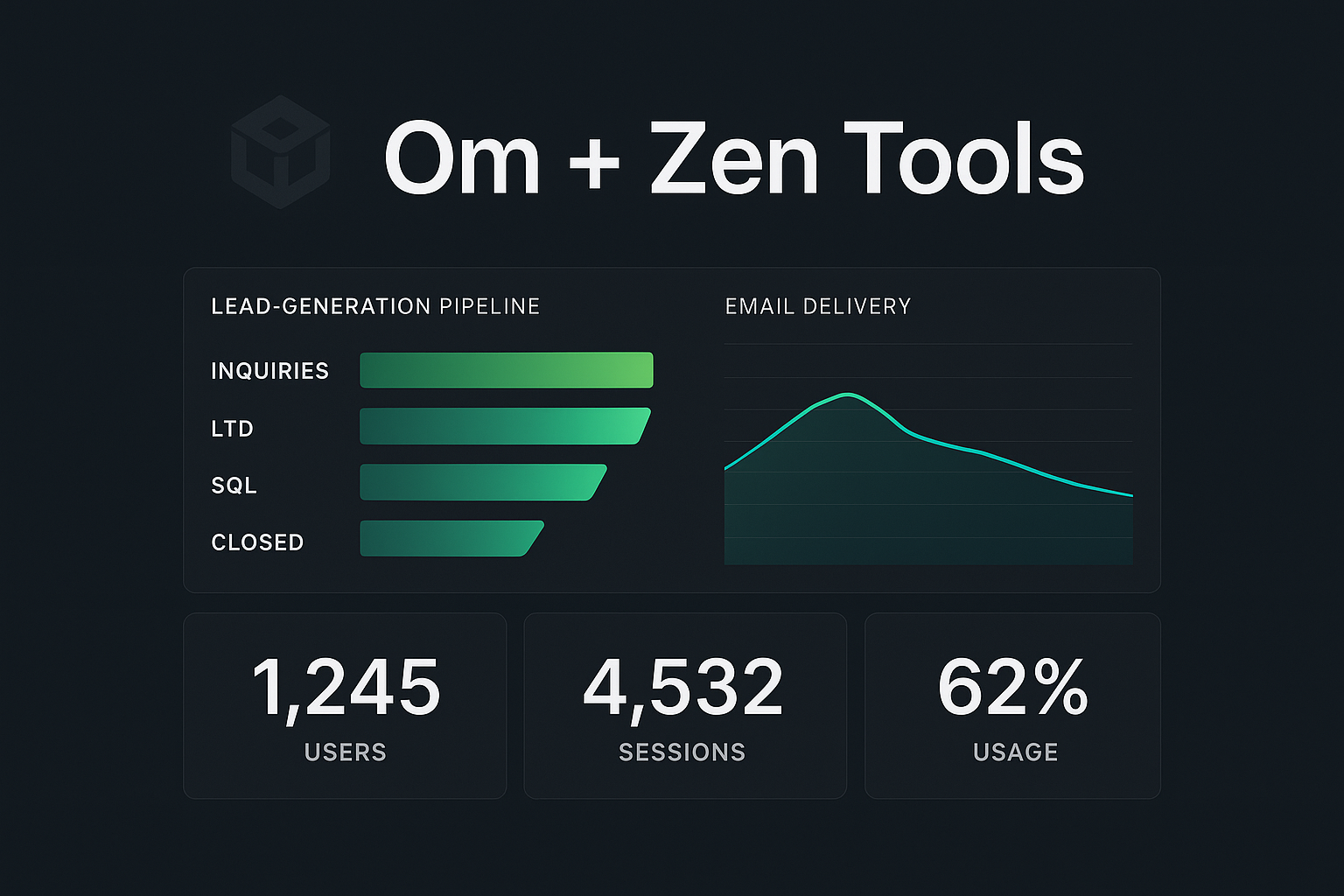
Om
Investors and close partners who already know the company
Summarize meaningful progress and make the next conversation easy without turning the message into a newsletter template showcase.
Verified evidencePersonal voiceReviewed send
FromDevon at OmToExisting investor
OmPersonal outreach example
Om update: relationship network and warm introductions
We launched Zentools as a member-powered network for finding the right people and the people who can introduce you.
The workflow searches contributed professional contacts first, preserves warm paths, and researches a verified direct route when no relationship exists.
- Network-first matching
- Human-reviewed introductions
- Verified direct fallback
— Devon
Ask your agent
Request the outcome, not the implementation.
Zentools handles the search and evidence. You stay focused on the relationship.
Use Zentools to find 10 founders who match this audience.
Show warm introduction paths first.
For anyone without a warm path, include a verified work email,
the evidence behind the match, and a concise draft for my review.
Do not send anything.